
Basics of Writing HTML for First-Time Users
Introduction:
HTML, or HyperText Markup Language, is the standard markup language used to create web pages. It describes the structure of a web page using a series of elements, which tell the browser how to display the content. HTML is not a programming language; it's a way to structure text, images, links, and other media on the web.
If you're new to it, think of HTML as the skeleton of a website—
-CSS adds the style
-and JavaScript adds interactivity.
To get started, you'll need a text editor (like Notepad on Windows, TextEdit on Mac, or free options like VS Code) and a web browser to view your work.
Save your file with a .html extension, and open it in a browser to see the results.
Understanding the Basic Structure of an HTML DocumentEvery HTML document follows a basic structure to ensure it renders correctly in browsers.
It starts with a doctype declaration, followed by the root <html> element, which contains <head> for metadata and <title>, and <body> for the visible content.
Here's a simple example:
<!DOCTYPE html>
<html lang="en">
<head>
    <meta charset="UTF-8">
    <title>My First HTML Page</title>
</head>
<body>
    <h1>Hello, World!</h1>
    <p>This is a paragraph.</p>
</body>
</html>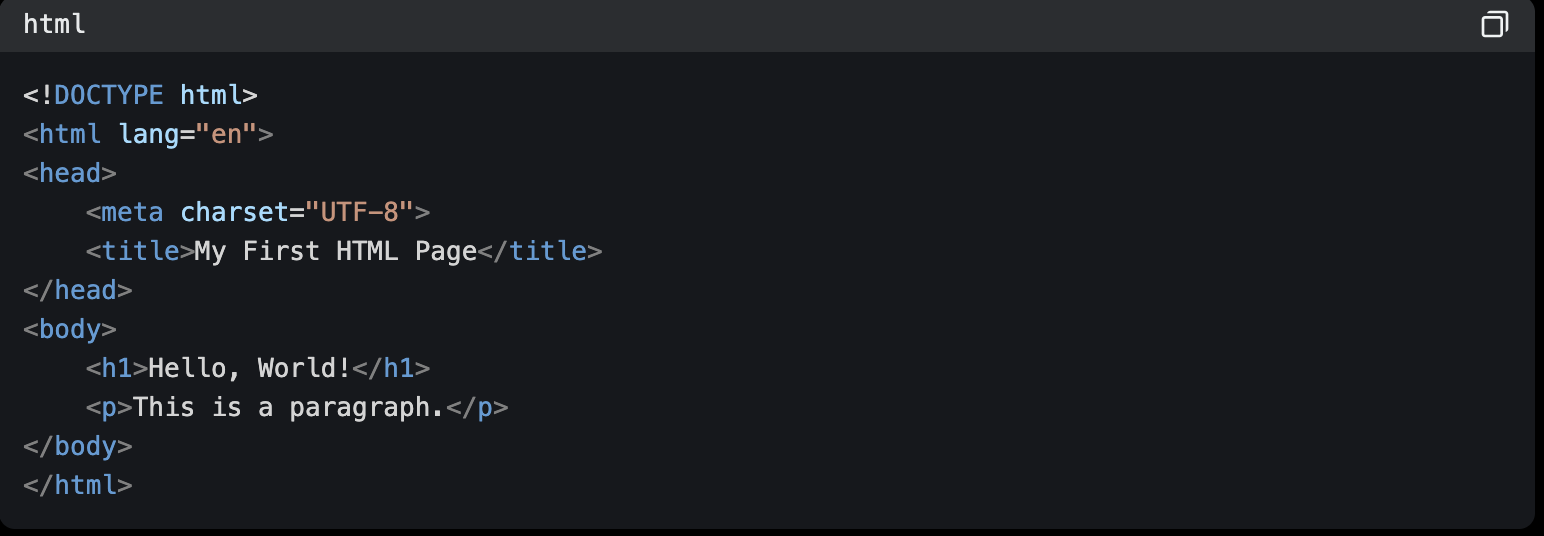
espirian.co.uk
- Headings: <h1> to <h6> for titles and subtitles (<h1> is the largest).
- Paragraphs: <p> for blocks of text.
- Links: <a href="https://example.com">Link text</a> for hyperlinks.
- Images: <img src="image-url" alt="description"> to embed images (alt text is for accessibility).
- Lists: <ul> for unordered (bulleted) lists, <ol> for ordered (numbered), with <li> for items.
- Bold and Italic: <strong> for bold, <em> for emphasis (italic).
mason.gmu.edu
html
<!DOCTYPE html>
<html lang="en">
<head>
    <meta charset="UTF-8">
    <title>Beginner's HTML Example</title>
</head>
<body>
    <h1>Welcome to My Page</h1>
    <p>This is a simple paragraph explaining HTML basics.</p>
    <ul>
        <li>Item one</li>
        <li>Item two</li>
    </ul>
    <a href="https://www.example.com">Visit Example.com</a>
    <img src="https://via.placeholder.com/150" alt="Placeholder image">
</body>
</html>- Missing Closing Tags: Forgetting to close tags like </p> or </div> can cause content to spill over or nest incorrectly. Always match openings with closings.
- Improper Nesting: Tags must be nested properly—close the innermost first. Wrong: <p><strong>Text</p></strong>. Right: <p><strong>Text</strong></p>.
- Forgetting Quotes in Attributes: Attributes like href="url" need quotes around values. Omitting them can break links or images.
- No Doctype: Without <!DOCTYPE html>, browsers may render in "quirks mode," leading to inconsistent styling.
- Case Sensitivity Issues: HTML tags are case-insensitive, but attributes and values (like URLs) can be sensitive. Stick to lowercase for consistency.
- Invalid Characters: Use entity codes for special chars, like & for & or < for <.
nestify.io
developer.mozilla.org